Glidance Case Study
Building a usability testing process centered on blind and low vision feedback
I led a team of four product designers to create the mobile app for Glide’s AI-powered accessibility device. We developed a usability testing approach for blind users that involves them earlier in the process so our team could iterate before writing code. This methodology is detailed in a published paper.

Overview
Ensuring reliable screen-reader navigation by continuously validating with blind users so the app meets real-world needs from the start.
Created a usability testing method that centers blind users in continuous design validation.
Developed a design system with a 95% usability score (SUS metrics) from blind and low vision users
The methodology enabled faster iteration, fewer late-stage accessibility reworks, and a design system built for both blind and low-vision user
Role
Lead Product Designer
Responsibilities
Design Leadership, UX Research, Prototyping
Collaborators
PMs, Research
Timeline
Aug - Dec 2024
Context
Glide is a mobility device that navigates and guides blind users around obstacles using AI. The product is set to launch in 2026 and has built a strong following of 400+ people who pre-ordered the device. Glide needed a contract team to research and create a framework for creating a companion app for the device.
Clip from NBC's Today Show
The Problem
Why 68% of users don't believe the hype
Our survey of 100+ Glidance pre-order customers revealed that 68% of respondents are skeptical of new accessibility products. They’d seen exciting demos before, only to have the tech break down in everyday situations. The community had developed what researchers call "innovation fatigue"—a protective skepticism toward new accessibility technology that promises life-changing independence.
Frequent interface changes make new technologies hard to use. Companies should test with visually impaired users to keep software accessible throughout updates.
Survey Participant
Research
Grounding research in lived experience
Personas
Understanding user needs
From a survey of 400+ respondents, Glidance identified five key personas. Safety-driven “Sallys” (30% of respondents) and Independent “Alices” (20% of respondents) stood out, both emphasizing dependability and ease of use above all else. This insight led us to prioritize stability and intuitive usability over extra features.

CLICK IMAGE TO ZOOM IN
System Mapping
Visualizing connections
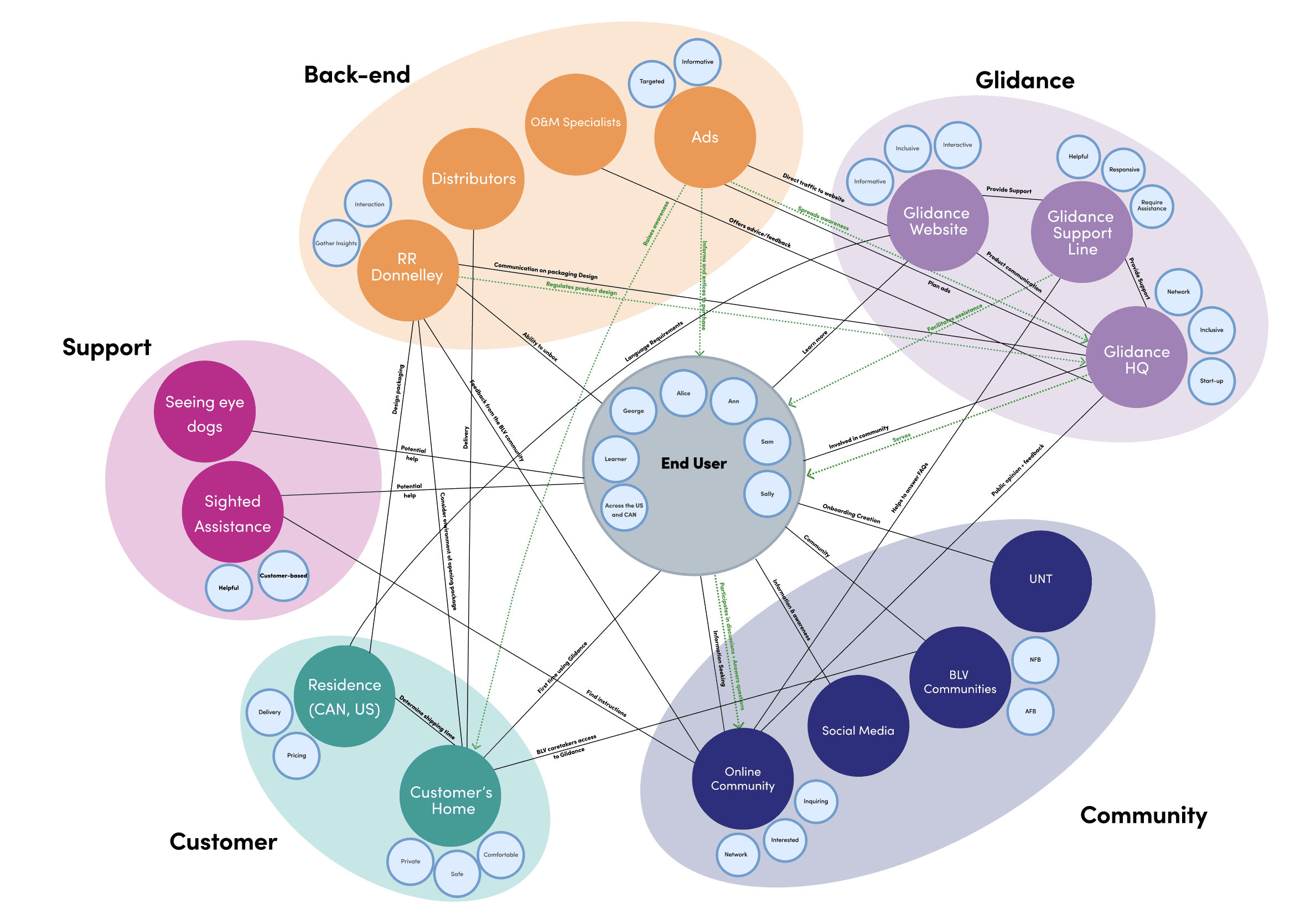
This diagram maps entities, relationships, attributes and flows in the Glide ecosystem. System mapping revealed that onboarding and consistent communication are critical areas of focus for improving the overall user experience.
CLICK IMAGE TO ZOOM IN
Competitive Analysis
Analyzing WeWalk
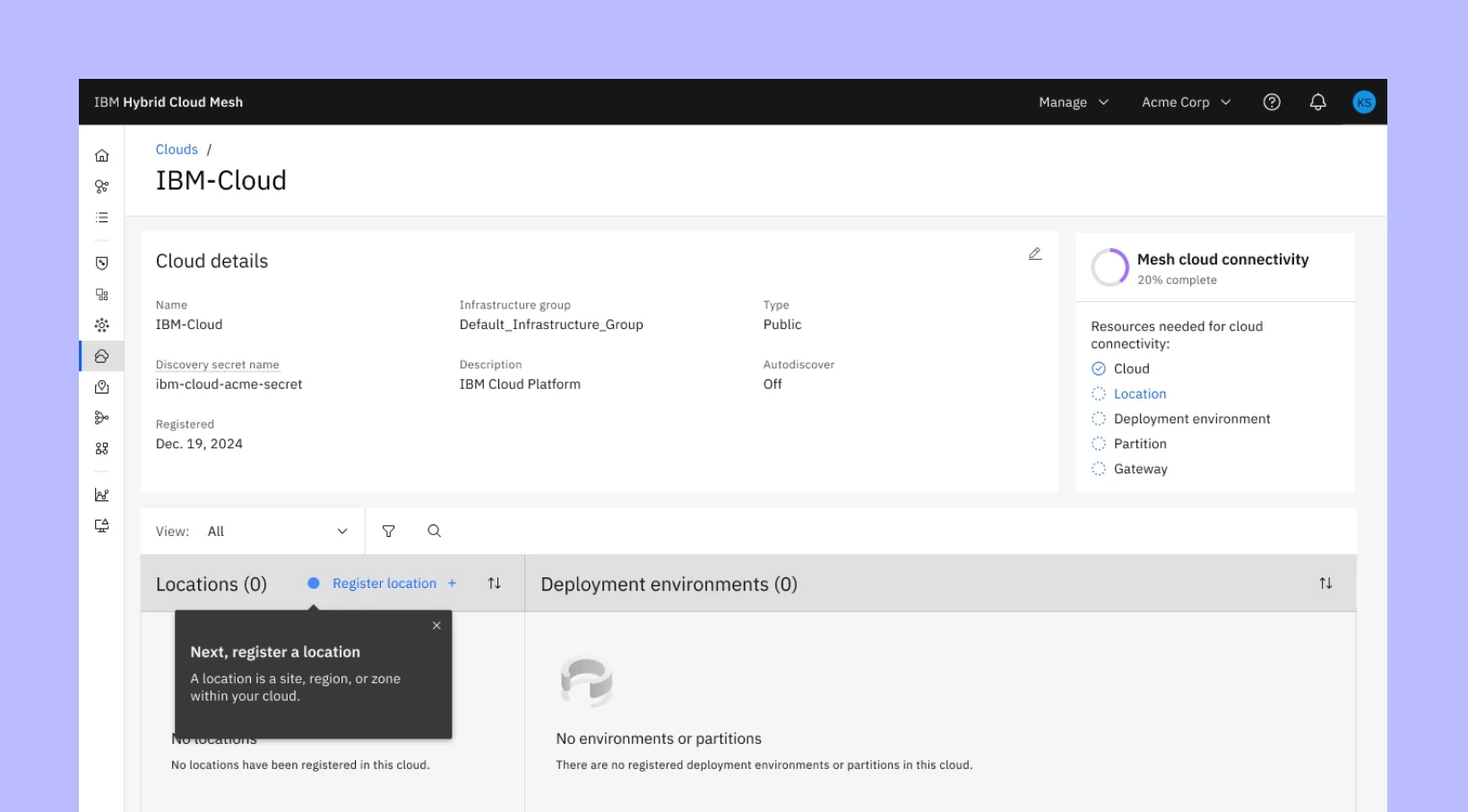

WeWalk is an AI-powered cane recognized in TIME’s Best Inventions of 2019. Our team observed Ethan using both the cane and its companion app simultaneously. This helped us identify pain points with VoiceOver accessibility as well as the physical challenges of managing a cane while interacting with a mobile interface.
Homepage
Simplified navigation and hierarchy for screen-reading software.
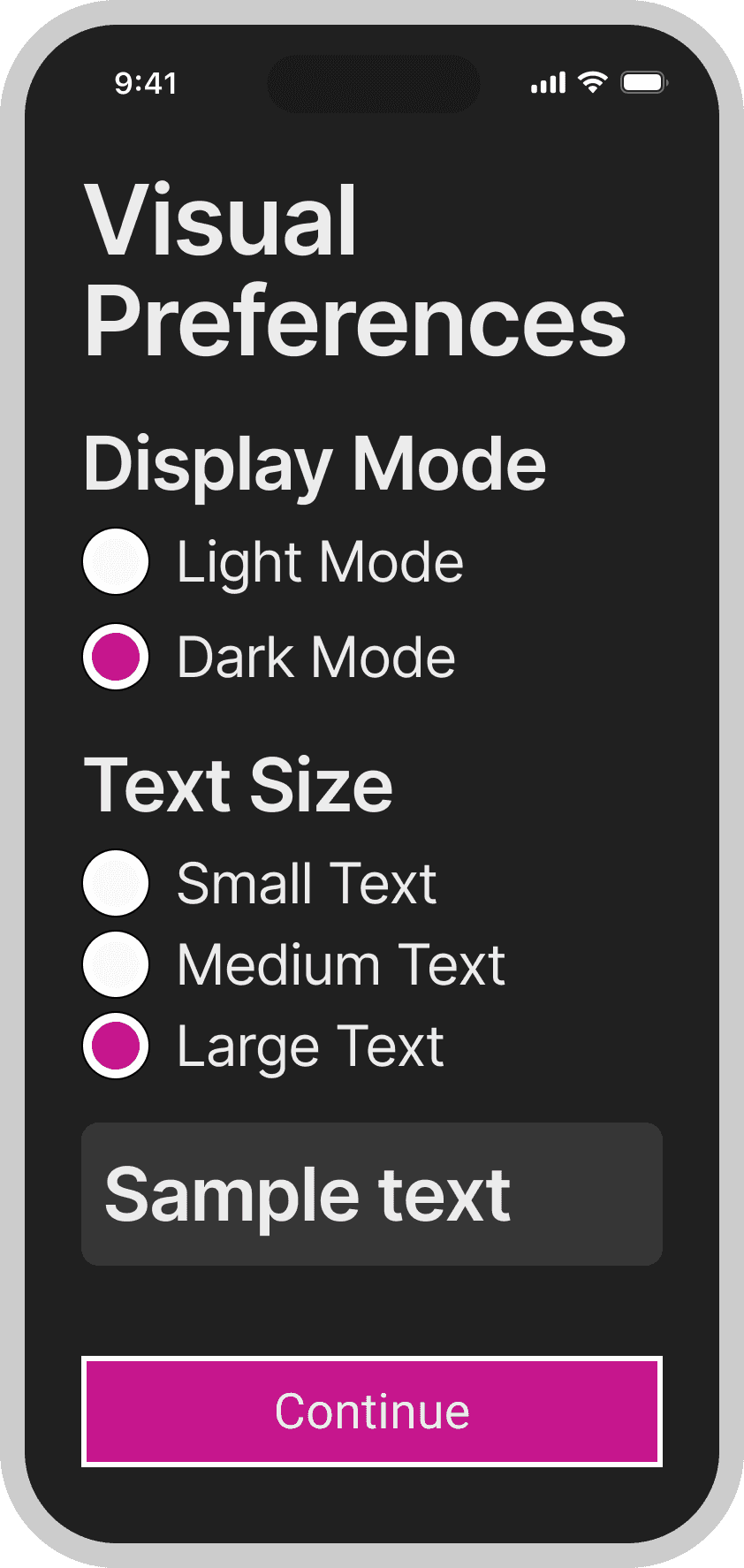
Visual Preferences
Low-vision users can customize display settings.
Learning Modules
Recorded audio lessons guide users through setting up and using the cane.
Scroll to see content
Guiding Statement
How might we ensure a reliable app experience by involving blind and low vision users early and consistently throughout the design process?
Wireframes
Adapting usability testing to work without code
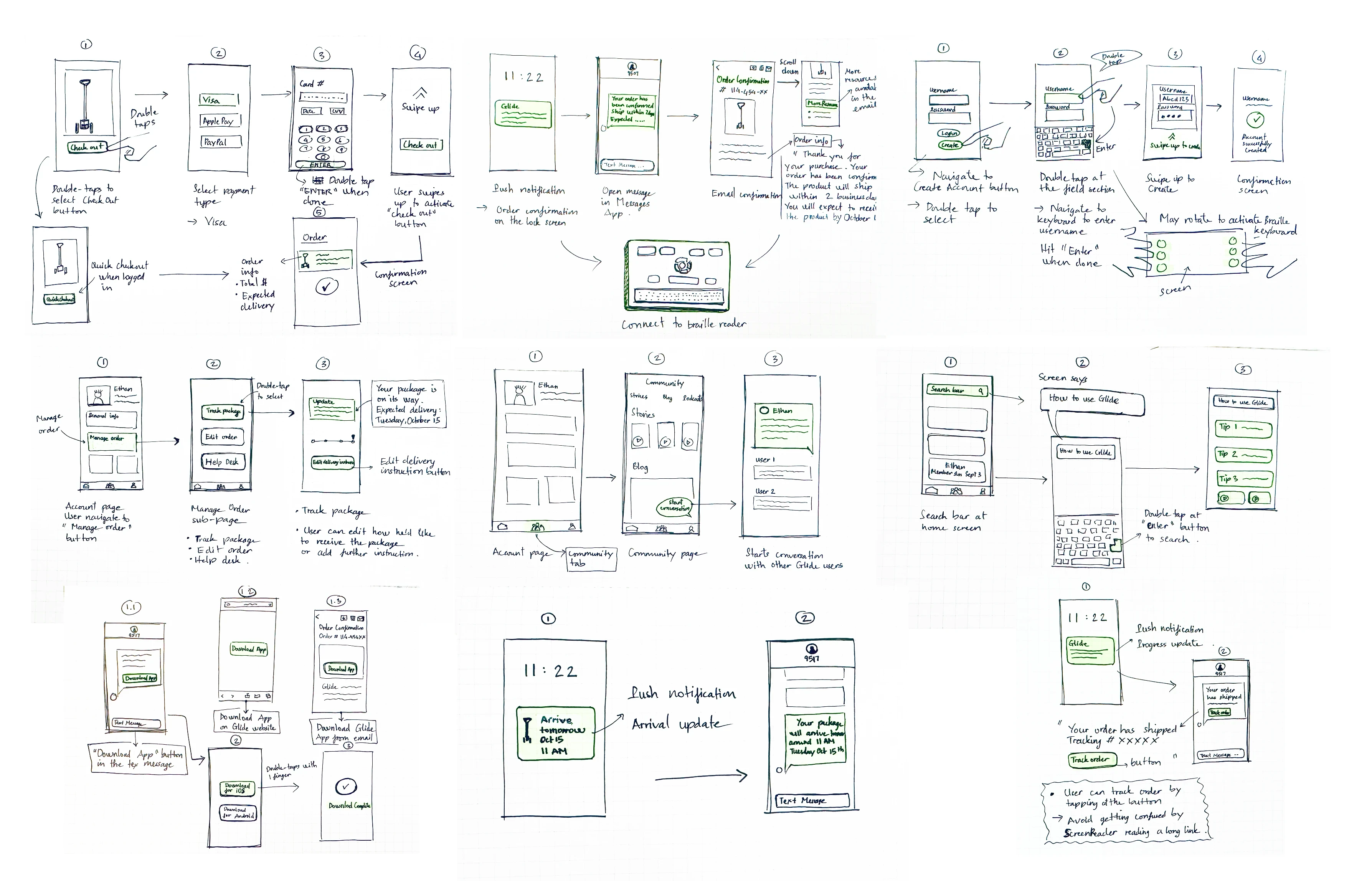
The team hit a roadblock when we tried to test our early wireframes with blind users. The industry standard is to code the UI first so screen readers can interact with it, only then getting feedback.
CLICK IMAGE TO ZOOM IN
Usability Testing Methodology
Agile method for testing
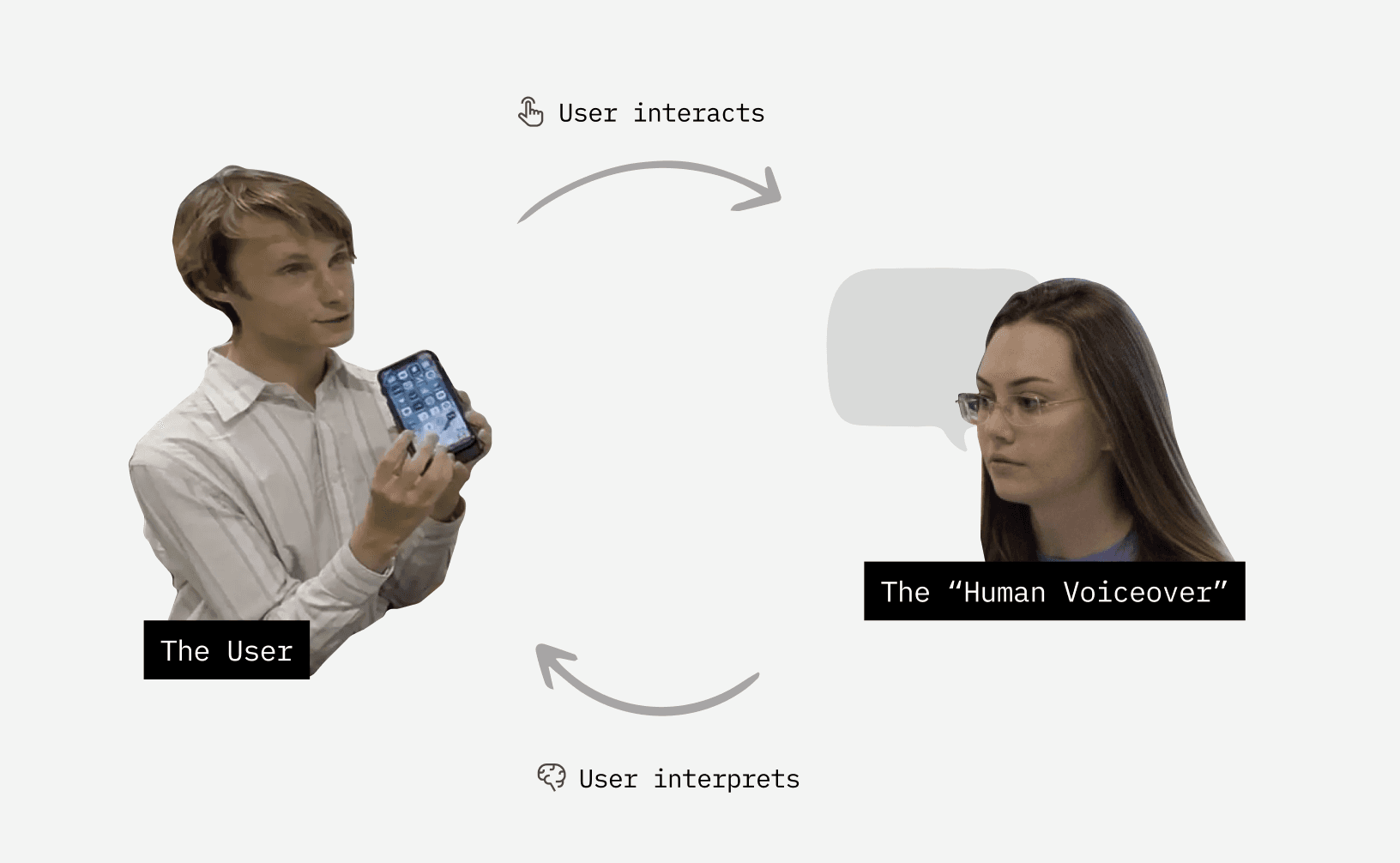
We developed a solution: designers annotate wireframes with what VoiceOver would say, then read those annotations aloud during testing, essentially becoming a human screen reader. This requires designers to understand VoiceOver conventions so their annotations accurately reflect how the screen reader would behave.
Proctor: Facilitates and answers questions.
Human voiceover: Simulates screen reader by narrating interface elements based on participant gestures, staying strictly in character without offering assistance
Participant: A blind or low-vision user who responds to the voiceover using screen reader gestures
Design System
Dark Mode: an accessibility setting
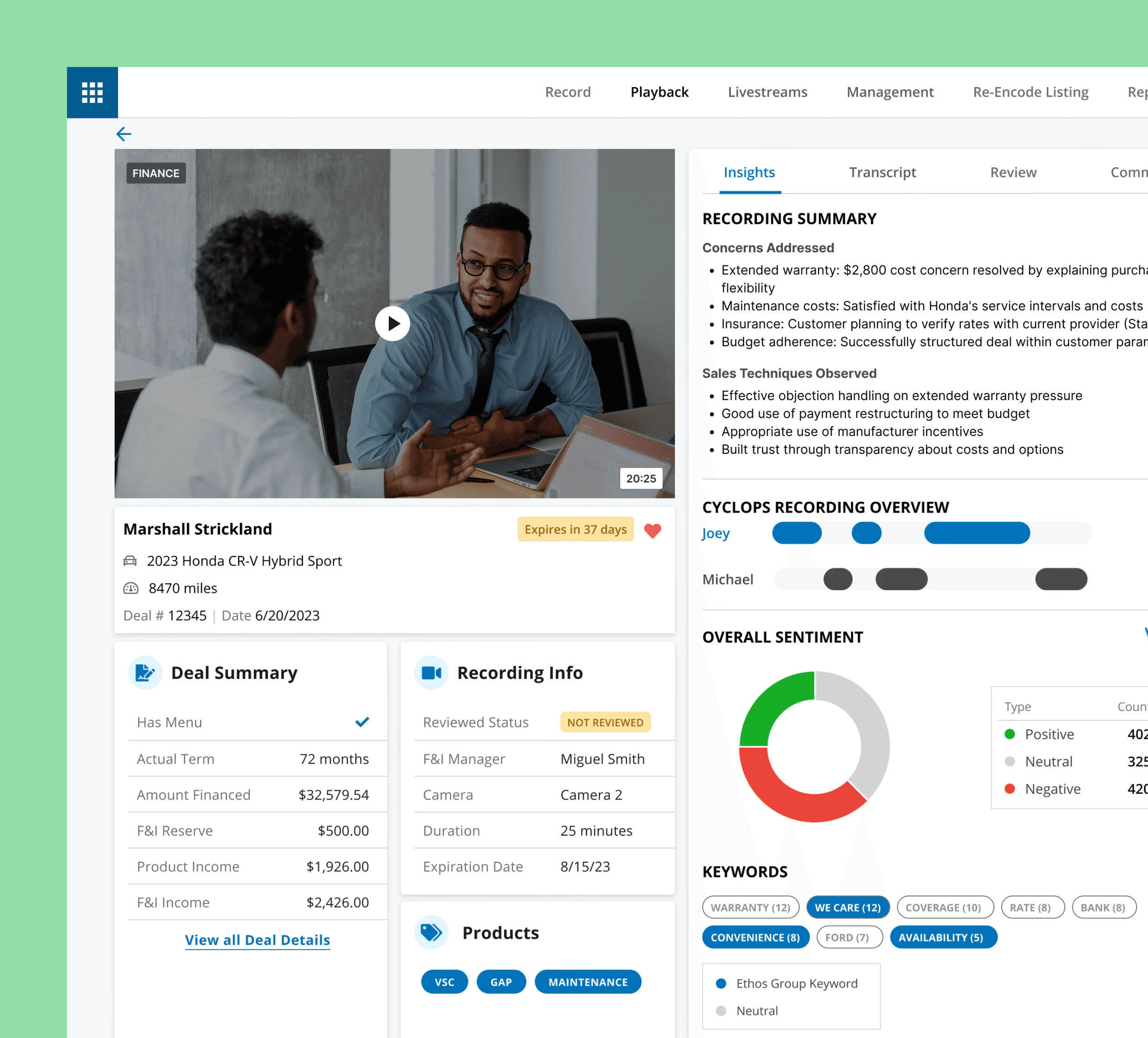
In usability testing we learned 90% of people on the blind and low vision spectrum retain usable vision. We added dark mode for users who find light interfaces painful to use and increased text sizes.
Designing for the low vision majority
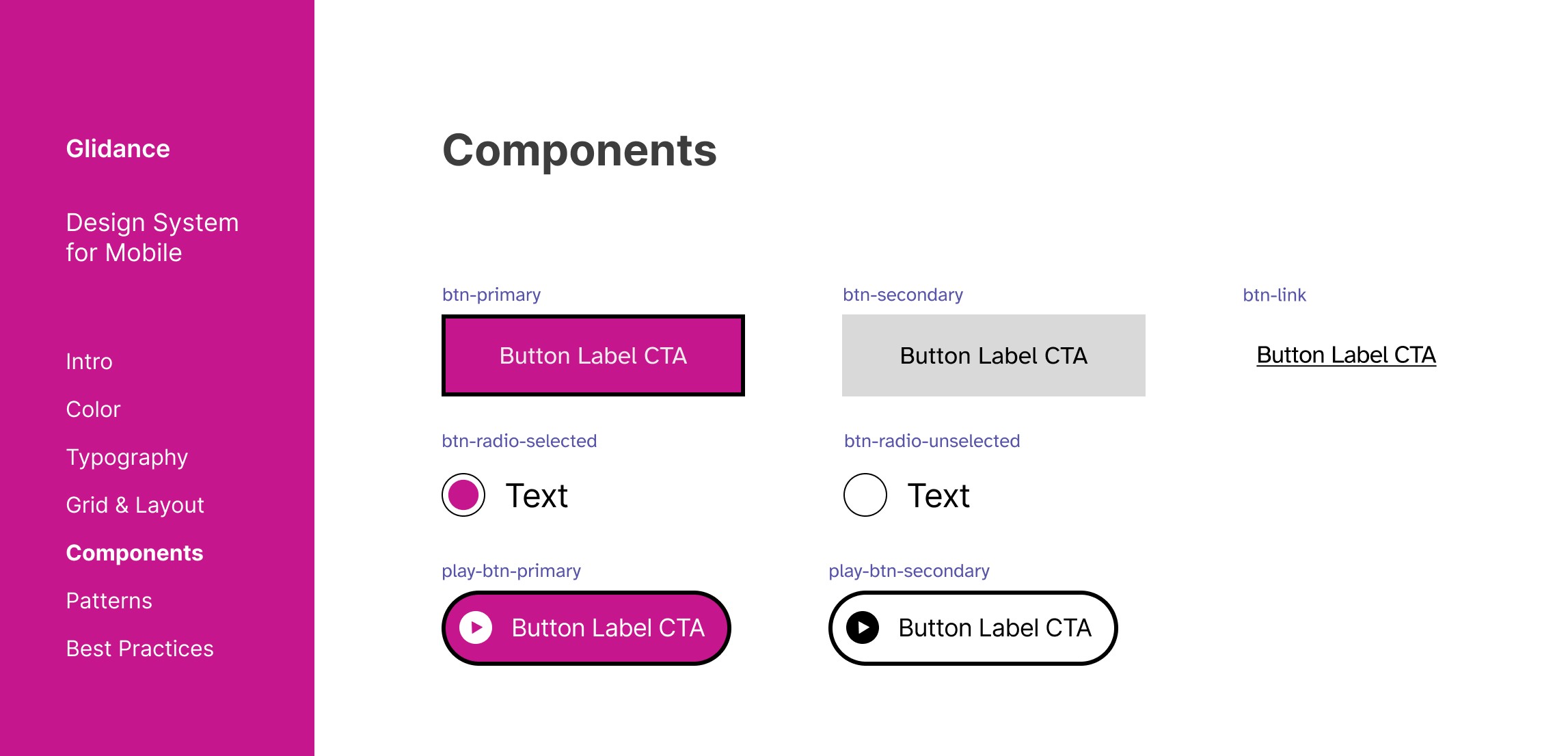
We created a design system that works for both low vision and blind users. For blind users navigating via VoiceOver, we prioritized simple hierarchy, as shown in the example below. For low vision users, we designed high-visibility buttons with high contrast and saturated colors for maximum legibility.
40+ design elements documented
Information Architecture
Navigation that prioritizes context and clarity
Simple hierarchy lets blind users know where they are and what's next. Human narration replaces otherwise text-heavy sections like device setup. If users pause, the interface reorients them before continuing.
90% task success rate
Impact
Task success rate
Usability Score
Project impact
What I learned
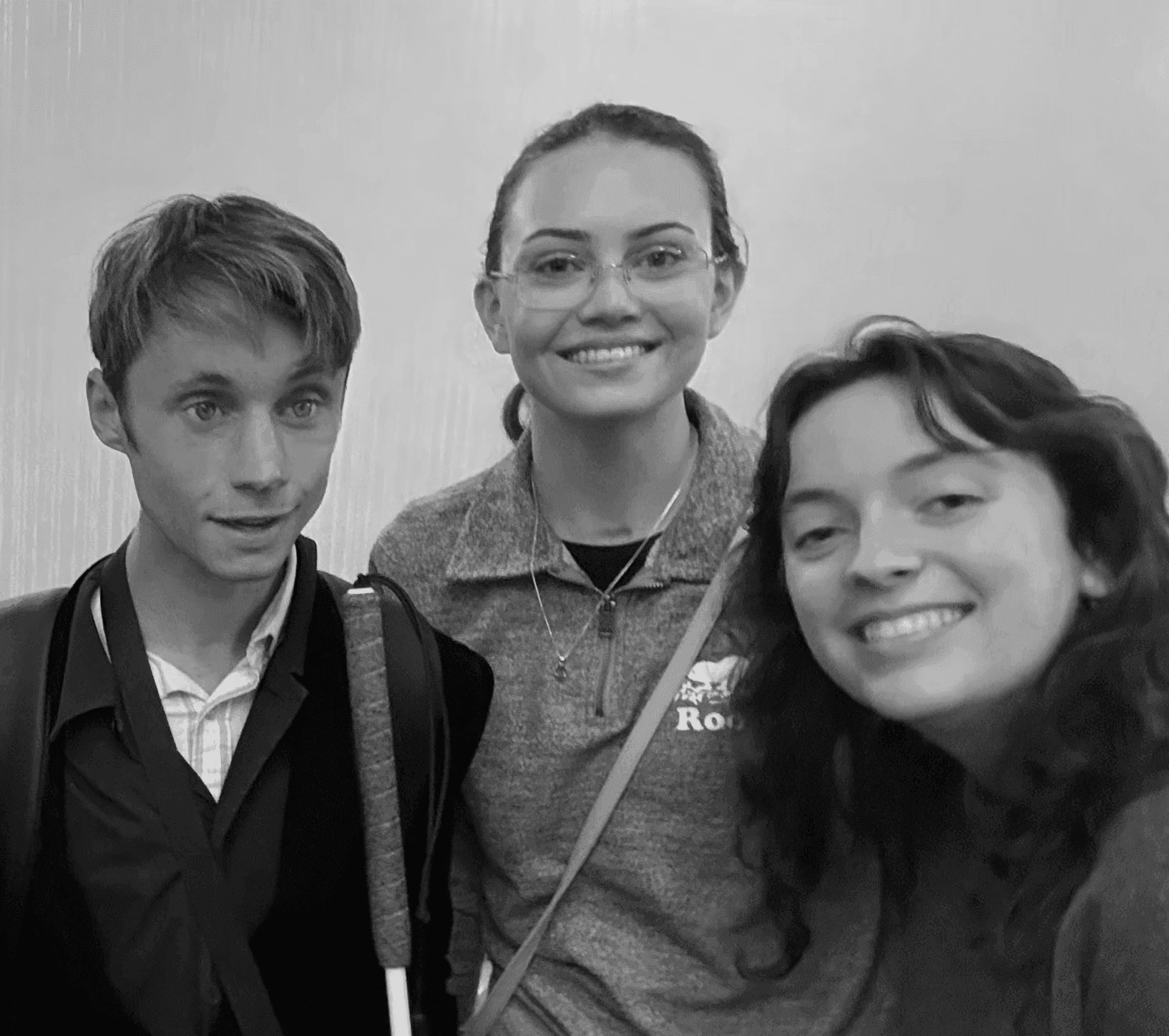
This project helped me grow both as a designer and a leader. Designing for blind and low vision people who who navigate space and tools not built for them made me realize my passion for accessibility. As a leader, I learned to manage a diverse team and prioritize clear communication throughout the design process.